01
Knows the whole building
Drawings, models, mail and chats, read as they arrive. Every answer names its source.
Drawings, models, mail and chats, read as they arrive. Every answer names its source.
Leo and his agents working autonomously on your project.
Sun, daylight and wind on your real site, with real physics, for every option.
Stop jumping between apps. You and Leo, on the same screen.
Stand inside it. IFC, Rhino, OBJ, GLB and STL: orbit, cut a section, read any element.
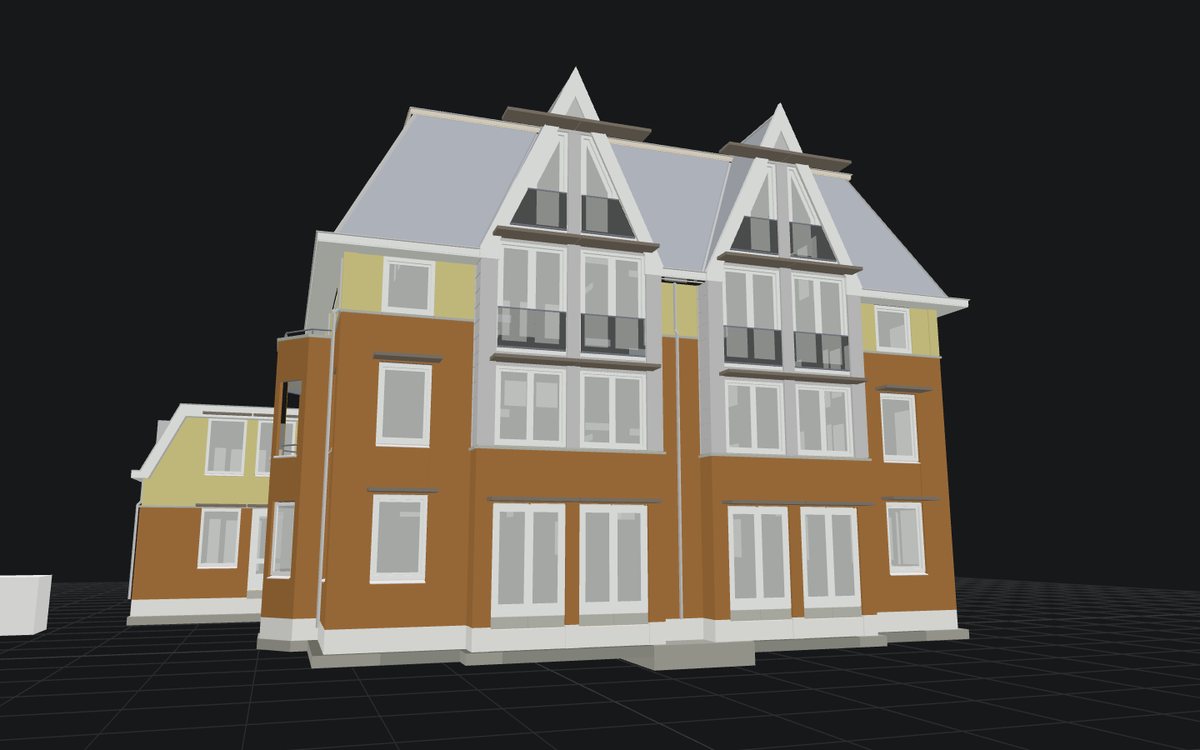 Drag to orbit · middle-drag to pan · scroll to zoom · click a part · shift to add, ctrl to toggle
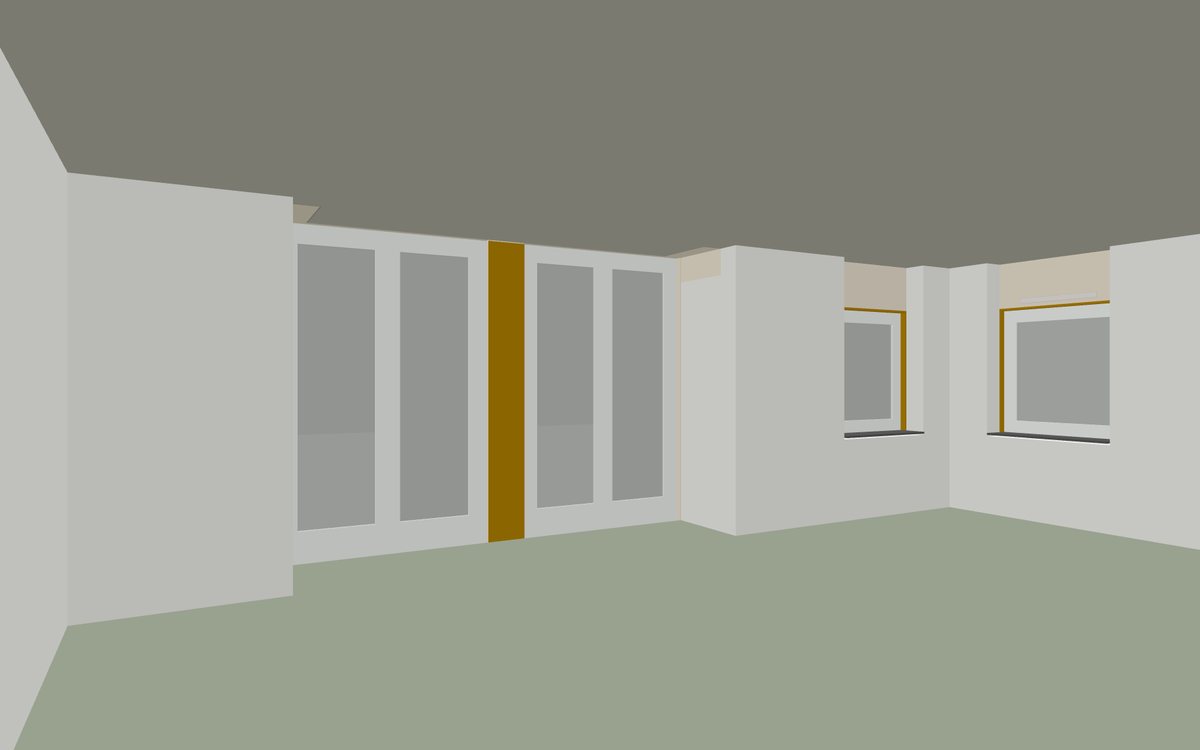
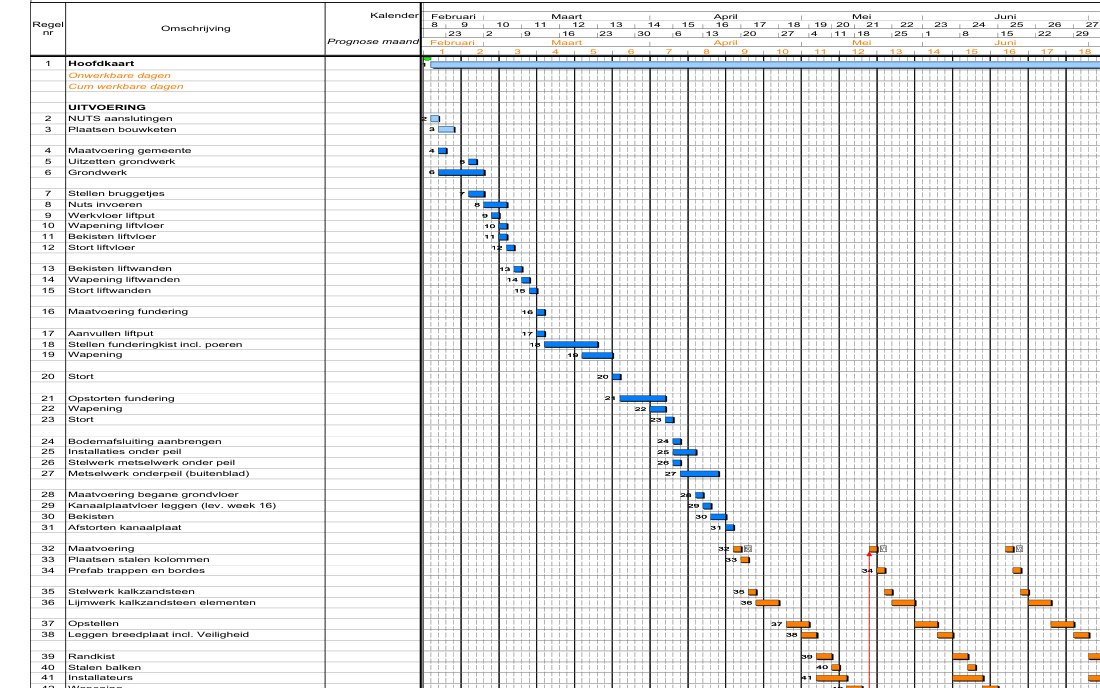 Leo can see what you marked
| TaskName | IfcClass | Material | TaskStart | TaskFinish | Element on time or not |
|---|---|---|---|---|---|
| Plaatsen kozijnen | IfcDoor | 205 ongewapend beton | 18-6-2015 | 24-6-2015 | Too late |
| Plaatsen kozijnen | IfcWindow | 205 ongewapend beton | 18-6-2015 | 24-6-2015 | Too late |
| Lijmwerk kalkzandsteen elementen | IfcSlab | IFC_isolatie_110mm_glaswol | 19-6-2015 | 23-6-2015 | Too late |
| Stelwerk buitengevel | IfcWindow | 01 Hout - stelkozijn | 2-7-2015 | 8-7-2015 | Too late |
| Stelwerk buitengevel | IfcDoor | 01 Hout - stelkozijn | 2-7-2015 | 8-7-2015 | Too late |
| Plaatsen kozijnen | IfcWindow | 01 Hout - stelkozijn | 6-7-2015 | 10-7-2015 | Too late |
| Metselwerk | IfcWall | IFC_baksteen_roodbruin_100mm_liggend | 9-7-2015 | 21-7-2015 | Too late |
| Metselwerk | IfcCovering | IFC_isolatie_115mm_glaswol | 9-7-2015 | 21-7-2015 | Too late |
| Metselwerk | IfcCovering | IFC_plastica_gevelbekleding_10mm | 9-7-2015 | 21-7-2015 | Too late |
| Metselwerk | IfcWallStandardCase | IFC_baksteen_roodbruin_100mm_staand | 9-7-2015 | 21-7-2015 | Too late |
| Prefab betonband | IfcCovering | IFC_Vebo afdekker AB 80/106x300 | 17-8-2015 | 18-8-2015 | Too late |
| Plaatsen scharnierkap incl. goot en platte daken | IfcSlab | IFC_isolatie_110mm_glaswol | 28-8-2015 | 17-9-2015 | Too late |
Files from the Schependomlaan project, Nijmegen (TU Eindhoven, CC BY 4.0).
Thank you, we’ve received your request.
Please check your inbox.